

Per piece
The Flow Configuration sheet, opened with Configure Piece in the piece inspector. It is the only place that changes this one piece. It carries more than the two sections these pages lean on: the model and effort, per-stage overrides, code grounding, approval mode, the Gates, the failure policy, the git worktree, Limits, and the Permission Profile. The sheet opens even while the piece is running. Most of it locks itself down mid-run, but the permission profile stays editable, with a note saying what that means: “Applies to agents that have not started yet. Agents already running keep the profile they were spawned with.” The lane is not in this sheet. You pick it at spec approval, or from the badge on the piece’s card. Limits here is a per-piece override of Parallel agents, from 1 to 10. A Cost ceiling (USD) field joins it on Pro with Edge on; while either is off the field is hidden and a saved ceiling stops nothing. See limits.Per project
Project settings override the app defaults for one project. Two permission cards sit there, deliberately named apart:- Default Permissions, for the sessions you start yourself. Its inherited value is shown as, for example, “Safe (from Sessions)”.
- Piece Permissions, for the agents that run inside a piece. Its inherited value shows as “Autonomous (from Loop)”.
In Settings
App-wide starting points for everything new, split across two tabs. Settings → Sessions carries Default Permissions, captioned: “Applies to sessions you start yourself, not to pieces. Pieces carry their own default, under Piece Permissions in the Loop tab.” The default is Safe.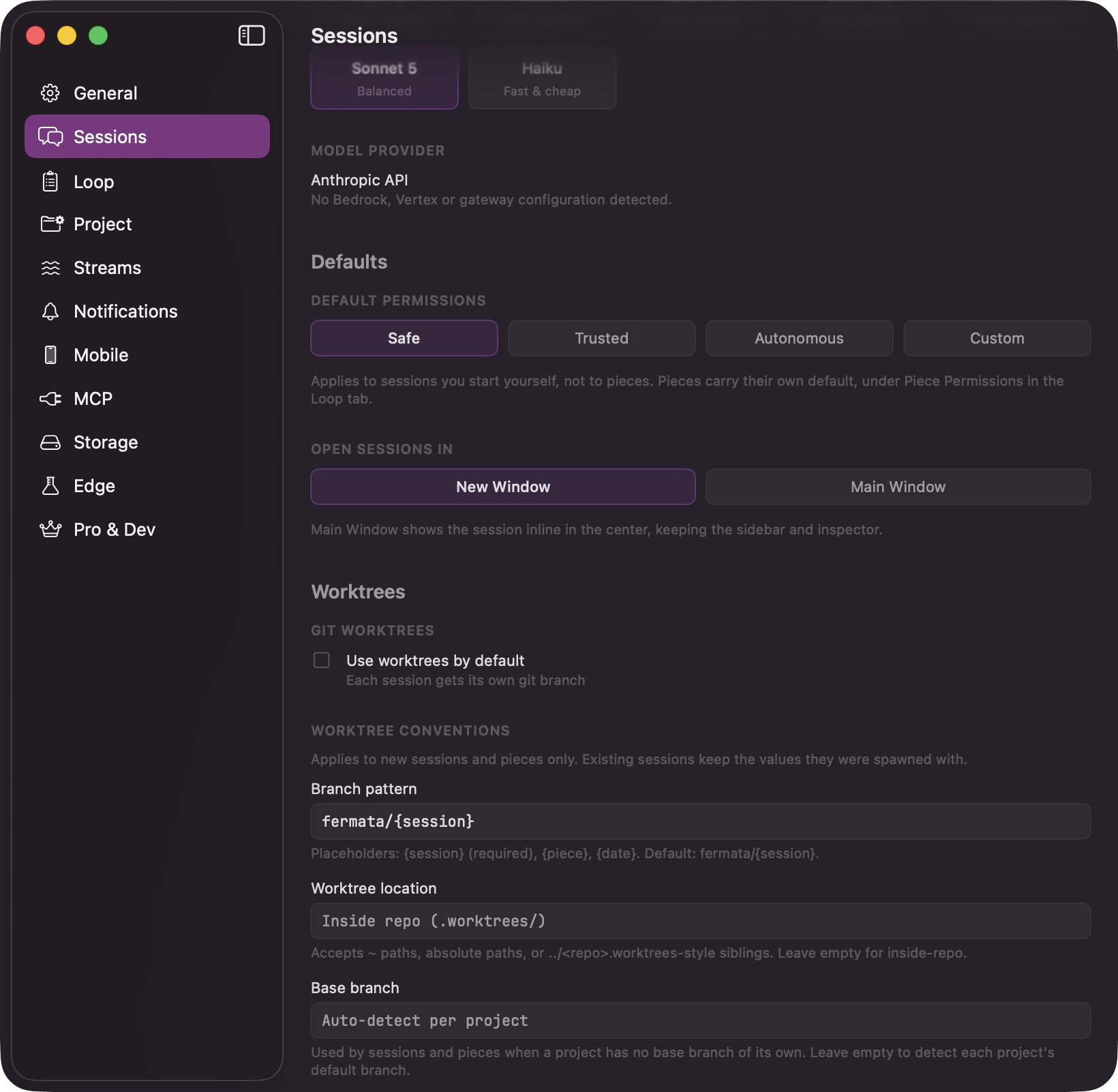
Settings → Sessions: Default Permissions, and the caption pointing at the Loop tab for pieces
- Piece Permissions, defaulting to Autonomous, captioned: “Applies to the agents that run inside a piece: the build agents, and the rework sessions you start from its review. The planning phases run without tool approvals either way.”
- The same defaults for new pieces: Require Plan Approval, Require Review Before PR, Run Code Review Before PR (shown on Edge), and Run Work Review After Agents.
- Pull Requests, the default ending: “Open a pull request when a hands-off run finishes.”
- Limits, the concurrency caps. See limits.
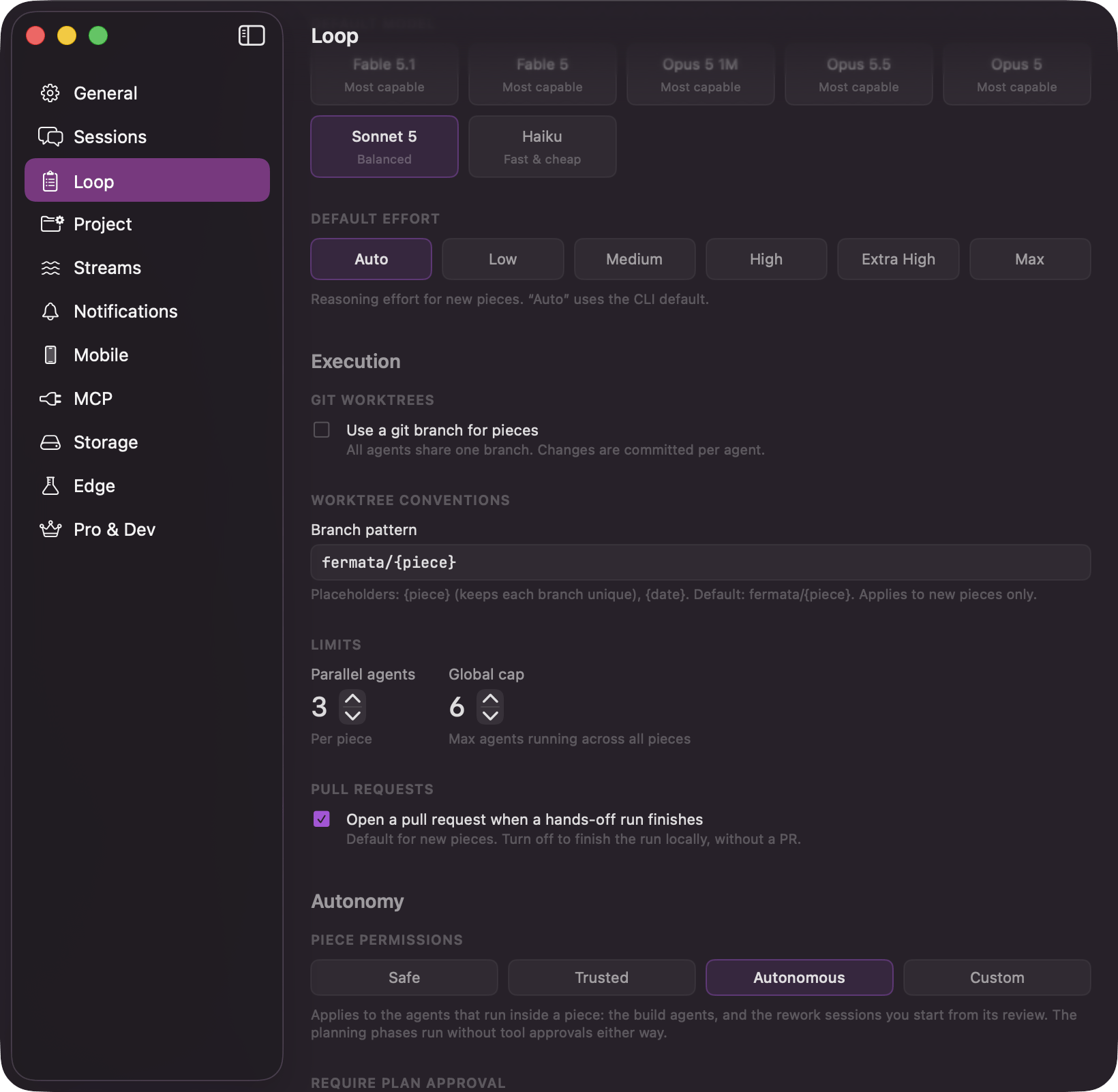
Settings → Loop: piece permissions, the gate defaults, and the limits