

What stays local
Fermata is a desktop app that runs agents on your machine. Everything it produces lands on disk beside the work:- Session and piece data in a
.fermata/folder inside each project. - Your app preferences in
~/.fermata/settings.json. - The git worktrees and branches it creates, in your own repositories.
- The analytics dashboard, which is computed from the Claude transcripts already on your Mac. See project analytics.
.fermata/:
- The local MCP server’s auth token is generated on your Mac and kept in the Keychain; while the server runs it is also written into Fermata’s
mcp.jsondiscovery file, and Register copies it into~/.claude.json. Neither file is sent anywhere. - Settings → MCP’s Register writes Fermata’s connection into
~/.claude.json, the CLI’s own user config; Unregister removes it. See filing work from outside. - The curated model picker reads, never writes,
settings.jsonin your Claude config directory, to mirror the models and gateway you already set up there.
What the Claude Code CLI sends
Fermata runs the build through Anthropic’s Claude Code CLI. When agents run, the CLI sends your prompts and code to Anthropic’s API, exactly as it does when you runclaude in your own terminal. That traffic is between you and Anthropic under your own account, and Fermata adds nothing on top of it.
Home’s plan-limit tiles read the same account through the same channel. While a window shows them, Fermata launches the CLI, runs the handshake, and sends one get_usage request every few minutes (five by default, stretching to thirty when the account reports no limits), under your own account. The probe never sends a user message, so it spends no tokens, and it runs only for Anthropic-hosted accounts: never against Bedrock, Vertex, or a gateway. See cost and usage.
Separately, the app checks releases.fermata.run for updates. That request carries the app version and no install identifier.
The first-run notice
The first time Fermata runs it shows a privacy notice before any telemetry starts. It offers two switches, both on by default, and it says plainly: “Fermata can send two kinds of anonymous data to help improve it. You choose which. Your code, prompts, file paths, and project names never leave your Mac.” There is no way past it except answering, and the answer is what the reporting services see first.The two switches
The same two choices live in Settings → General, under “Privacy”. Change your mind there any time.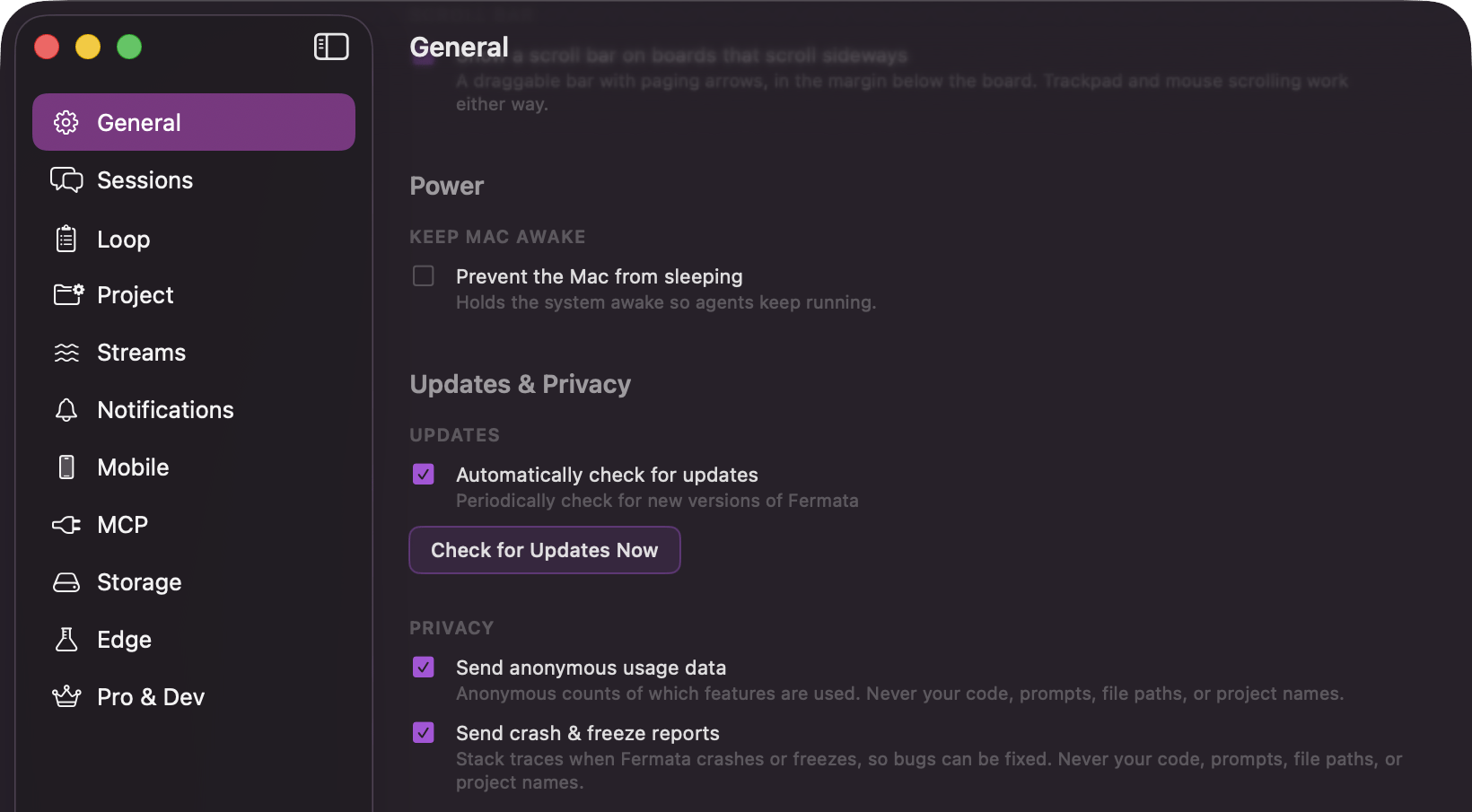
Settings → General: the Privacy section with the usage-data and crash-report switches
Neither ever collects your code, prompts, file paths, or project names. Crash reports are scrubbed stack traces, and usage data is anonymous counts. Both carry the same random per-install identifier, created on your Mac the first time the app runs, so the data is pseudonymous rather than anonymous: it distinguishes one installation from another and cannot be tied back to you.
Fermata turns off the reporting SDKs’ own personal-data collection, so no IP address, username, or machine name is attached. The services still add their standard technical context, such as the app version and the operating system. The policy page lists it.
Mobile sync
Sync is off until you turn it on and pair a device. With it on, Fermata mirrors session and piece records so your paired phone can read them. Pairing establishes an encryption key that exists only on your Mac and your phone. Not every field is encrypted, so here is the split. Encrypted on your Mac before upload. Agent message text, spec and strategy documents, agent descriptions, review notes, and piece summaries and learnings. Plaintext, because the push-notification service has to read them to build a notification. The opening prompt of a session (its first 200 characters), a preview of the latest message, the piece name and description, and agent names. Plaintext routing metadata. Session state, timestamps, token and cost totals, the project name and its path on your Mac, the git branch name, the model name, and the name of your Mac. That project path usually contains your macOS account name. Your repository is never uploaded. Code can appear inside an agent’s messages, and that message text is encrypted before it leaves the Mac.Unpairing, in Settings under Mobile, destroys the key on your Mac and cuts your phone’s access. It does not delete records already stored, and it does not by itself switch sync off. See the phone companion.